My Role
Product Designer & Frontend Engineer
Solo ProjectEnd-to-end (UX, UI, Dev)
Stack
React · Next.js · Cheerio/Puppeteer · Gemini 2.5 Flash
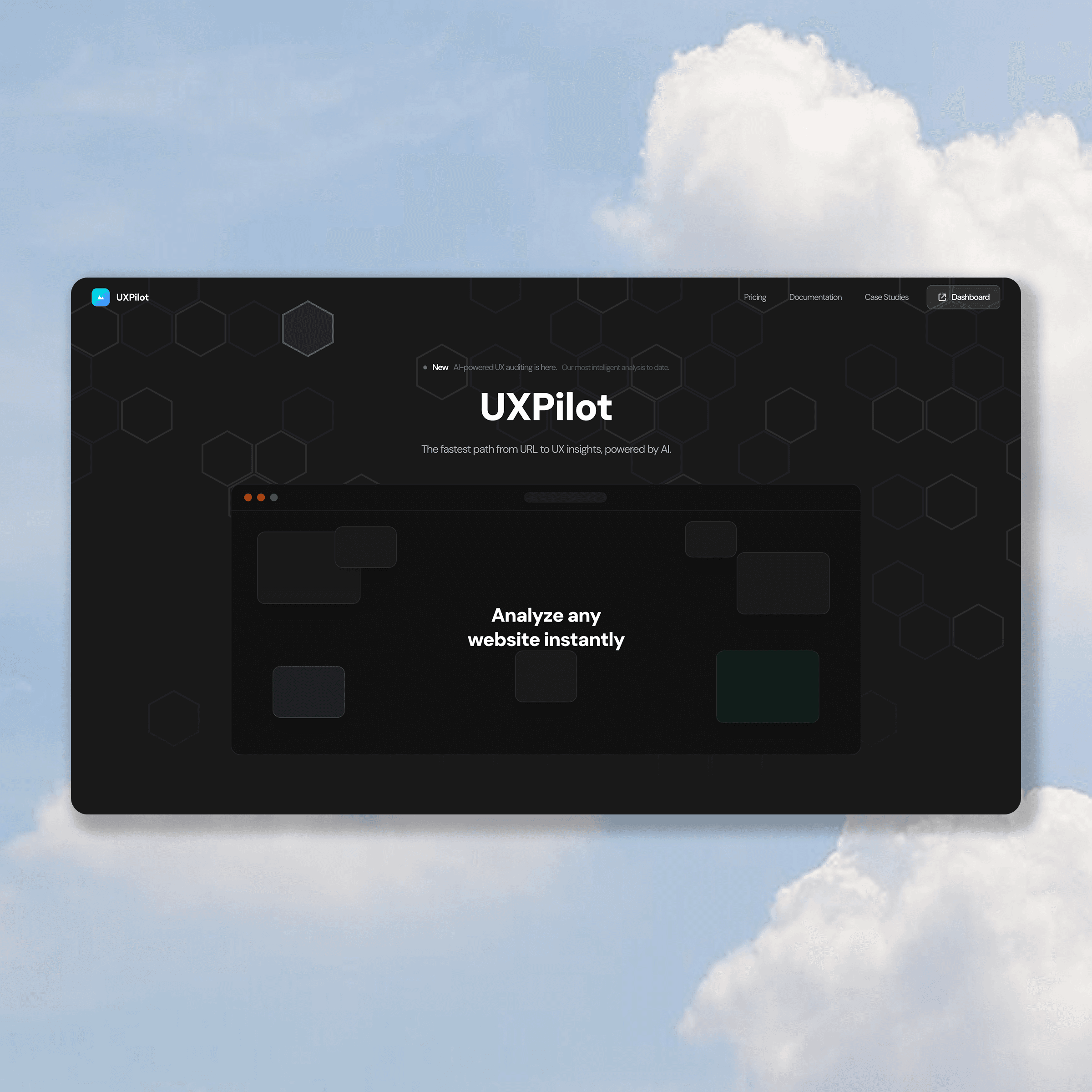
Overview
Most websites have UX problems their owners can't see. Getting a proper UX audit traditionally requires hiring a UX consultant, running usability tests, or waiting for a design review cycle. That's expensive, slow, and inaccessible to indie developers or solo founders.
Even for designers, auditing a website you didn't build requires time and a structured mental framework. There's no fast, objective starting point.
The insight: A UX audit is a structured analysis task — identify problems, categorize them, prioritize by impact. That's exactly what AI is good at, if you give it the right input.
The Friction
Startups know design is important, but lack the resources for comprehensive manual audits before shipping. UX issues compound, leading to higher bounce rates and lost conversions.
The Goal
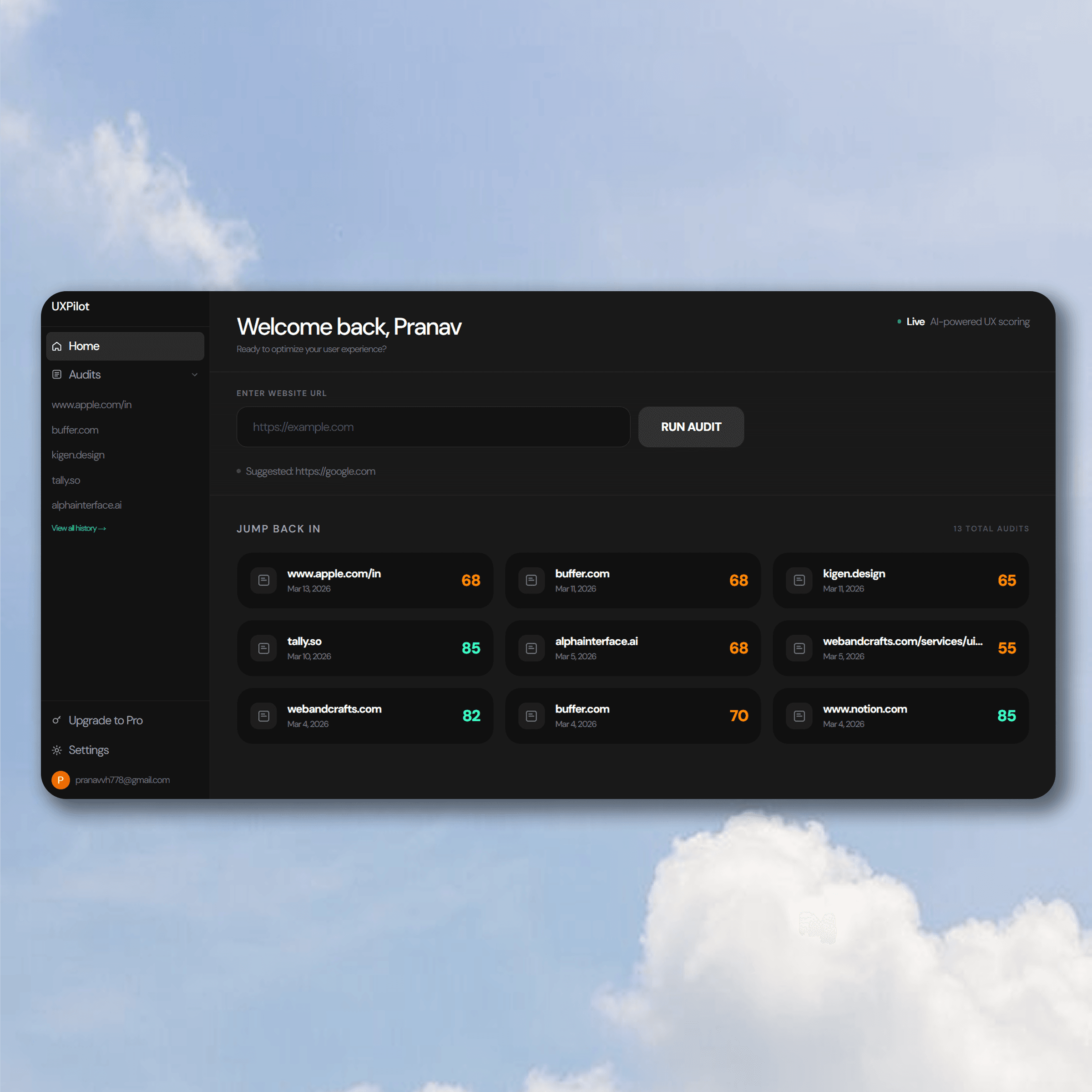
Build a tool where anyone can paste a URL and get a comprehensive, scored UX audit in seconds — no consultant, no login required to start, no design expertise needed to read the results.
Product Goals
- Make professional-grade UX analysis accessible to non-designers
- Give designers a fast, objective first-pass audit tool
- Create an audit history system so teams can track UX improvement over time
User Goals
- Understand what's broken on their website without guessing
- Know exactly what to fix and why it matters
- Prove the ROI of design changes with before/after scores
Understanding the Users
The Solo Founder / Indie Dev
Built their own product. Has no design background. Knows something feels off but can't articulate it. Needs actionable, plain-language feedback.
The Designer Auditing a Client Site
Needs a fast, structured first-pass before diving deep. Uses UXPilot to generate a baseline, then adds their own judgment on top.
The Product Team
Wants to track UX health over time across multiple pages or products. Uses the audit history to show stakeholders design progress.
How It Works (Technical + Design)
UXPilot's core workflow is built around three layers:
Layer 1 — Scraping
When a user pastes a URL, UXPilot scrapes the entire webpage — capturing HTML structure, content, visual hierarchy signals, navigation patterns, and metadata.
Layer 2 — AI Analysis
The content is passed to Gemini 2.5 Flash with a structured audit prompt to evaluate navigation clarity, readability, visual hierarchy, accessibility signals, responsiveness, and design consistency.
Layer 3 — Scored Report
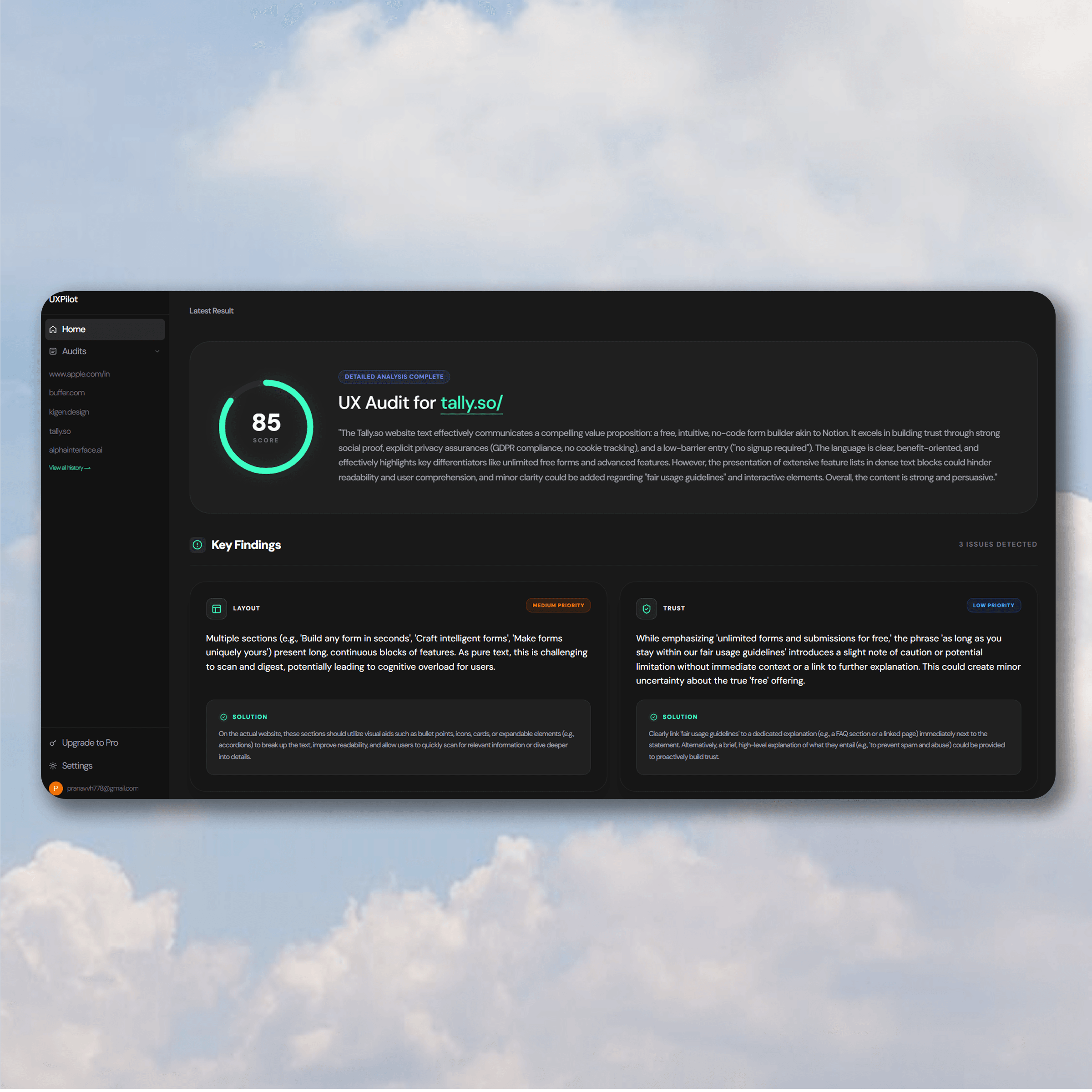
Results return as a structured report with a 0–100 UX score broken down by category, identifying issues and suggesting impact-prioritized fixes.
Design Decisions Worth Calling Out
Why a 0–100 score?
It gives an immediate emotional anchor. "Your site scores 58/100" is motivating. It creates a re-audit goal that drives return visits.
Why scrape instead of screenshot?
UX problems are often structural, not just visual. Scraping full HTML gives AI access to link structures, semantics, and heading hierarchy that an image obscures.
Why category breakdown instead of one list?
Dumping all issues is overwhelming. Grouping them (navigation, readability, etc.) lets users tackle one area at a time and matches real design review practices.
Impact
- ✅ Live product built end-to-end, solo
- ✅ Audit delivered in seconds vs. hours/days manually
- ✅ Covers 6 UX dimensions in one structured report
- ✅ Audit history enables longitudinal tracking
- ✅ Zero-friction onboarding: Users get value before ever being asked to sign up or log in.
Learnings & Next Steps
Structure is the design
The hard problem wasn't AI integration — it was information architecture. How to present text output so it's useful, not overwhelming.
What I'd do differently
Add a visual screenshot alongside the parsed analysis, adding an annotated overlay to make fixes dramatically more actionable. Also, build shareable report links.
"The fastest way to improve a product's UX is to know exactly what's broken. UXPilot makes that first step instant."